[ Case study (02) ] — iOS app · Personal project · Live on the App Store
MuPa
A digital stamp passport for the museums of Washington, D.C. I designed, illustrated and built an iOS app that lets people check in at 40+ museums with GPS and collect a hand-drawn stamp for every visit.
- Problem
- Washington, D.C.’s free museums are easy to visit — and just as easy to forget.
- My role
- Solo: product design, illustration and iOS development.
- What I did
- A GPS check-in (within 100 m) that awards a hand-drawn stamp for each of 40+ museums, in a four-tab SwiftUI app with MapKit — no accounts, no tracking.
- Result
- Live on the App Store (v1.0.4), rated 5.0.
Project overview
Washington, D.C. has dozens of museums — most of them free. That makes them easy to visit and just as easy to forget. MuPa (Museum Passport) turns each visit into a keepsake: walk in, check in, and a stamp lands in your passport.
It's built for people living in or visiting D.C. who want a light, playful way to track and celebrate their cultural journey.
One idea: the passport stamp
Paper passport stamps are a small, physical reward for showing up. I wanted the same feeling on a phone — so the check-in had to depend on actually being there, and the reward had to be worth collecting.
museums across D.C., Maryland and Virginia, each with its own stamp.
check-in radius — you can only collect a stamp when you're at the museum.
accounts or tracking — visits stay on the device; the app collects no data.
Four tabs, one journey
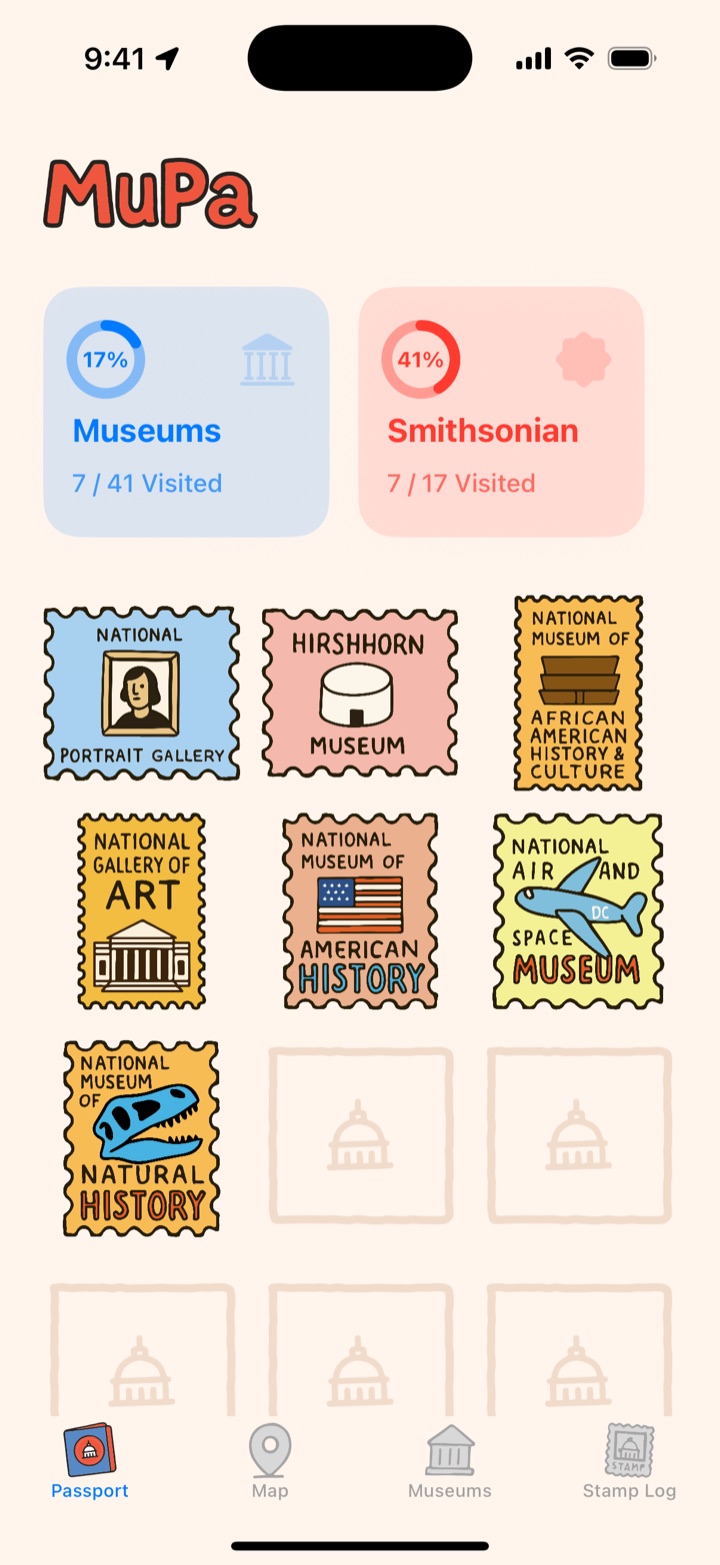
The app follows a visit from start to finish: find a museum, get there, check in, look back. Each step got its own tab, with the passport first because it's the reason to open the app.
Passport
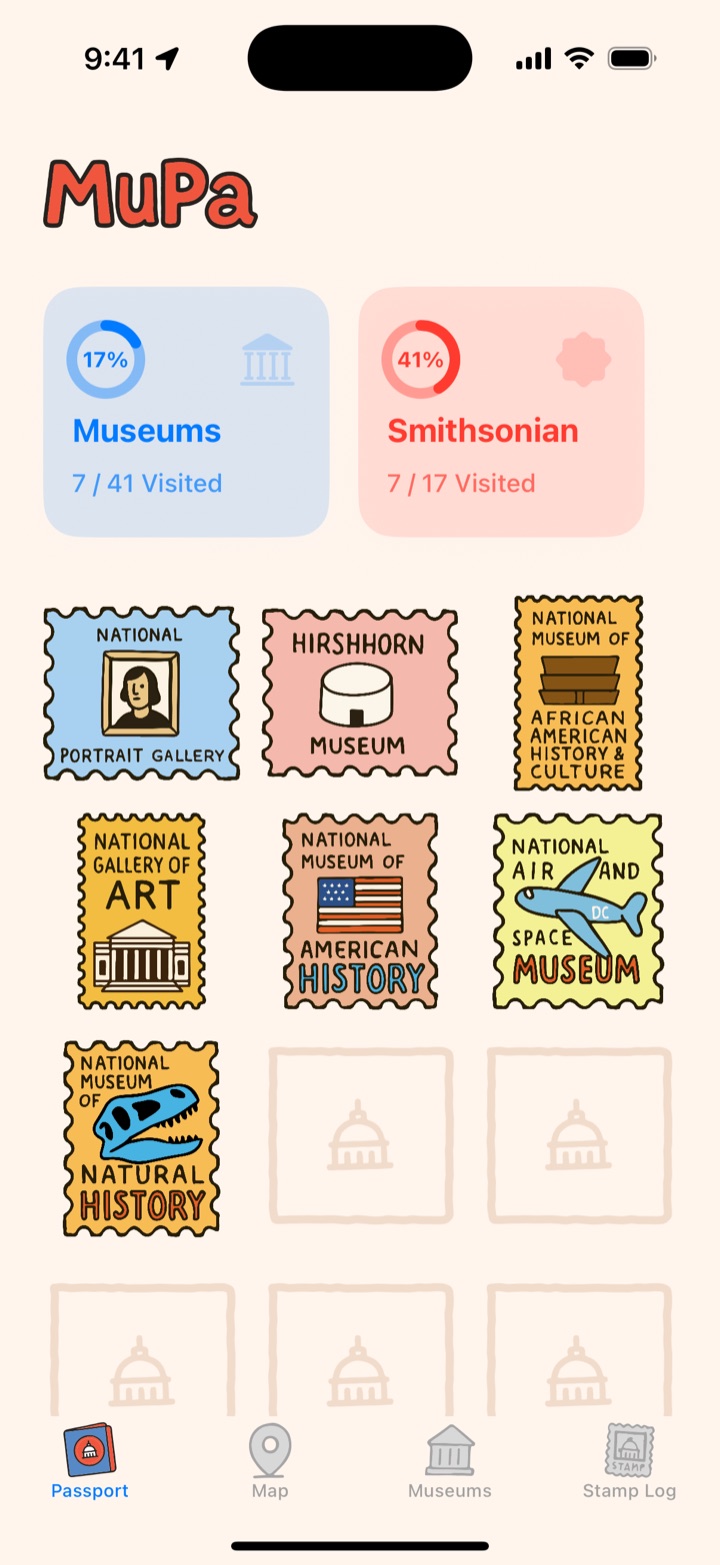
Progress at a glance — all museums and Smithsonian museums as rings — then the stamp grid, with empty frames for the ones still to collect.
Map
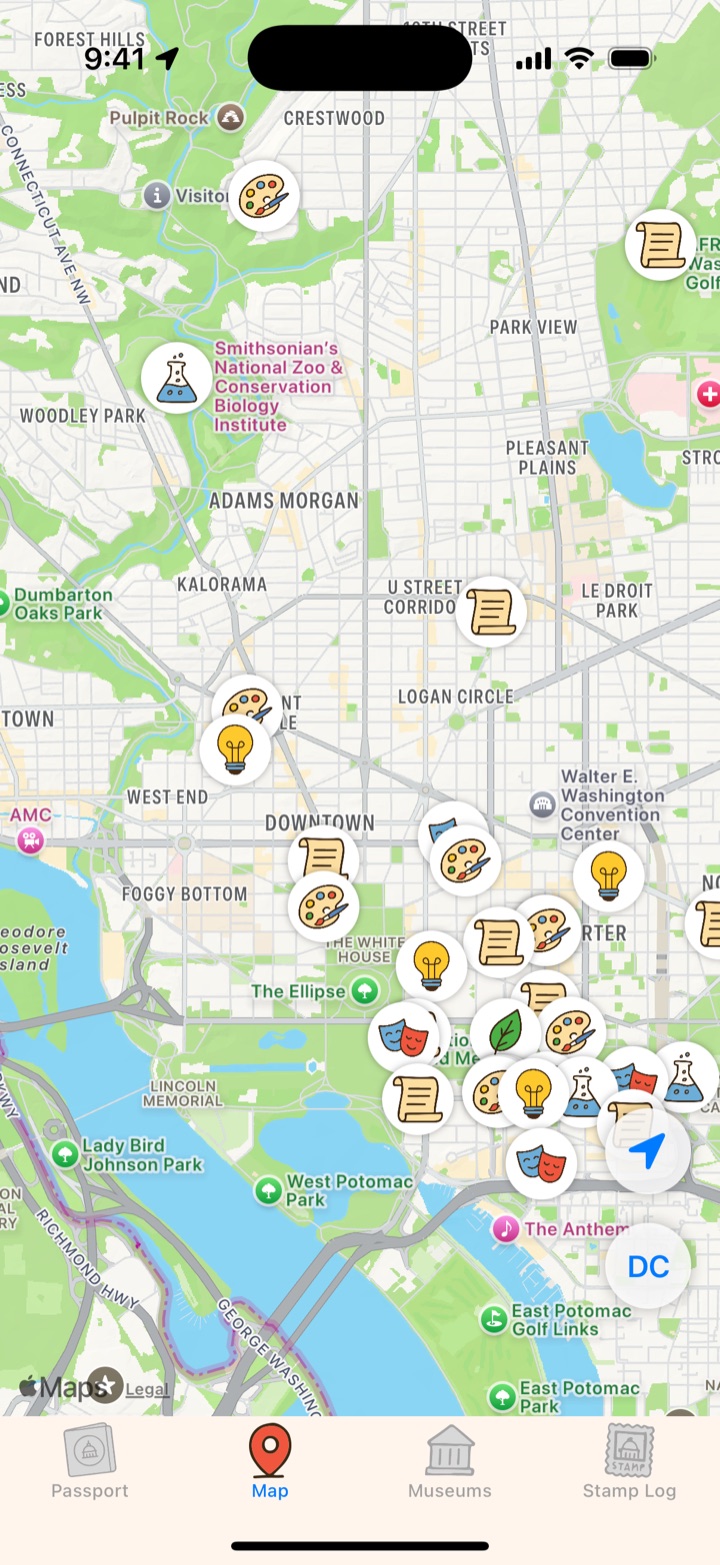
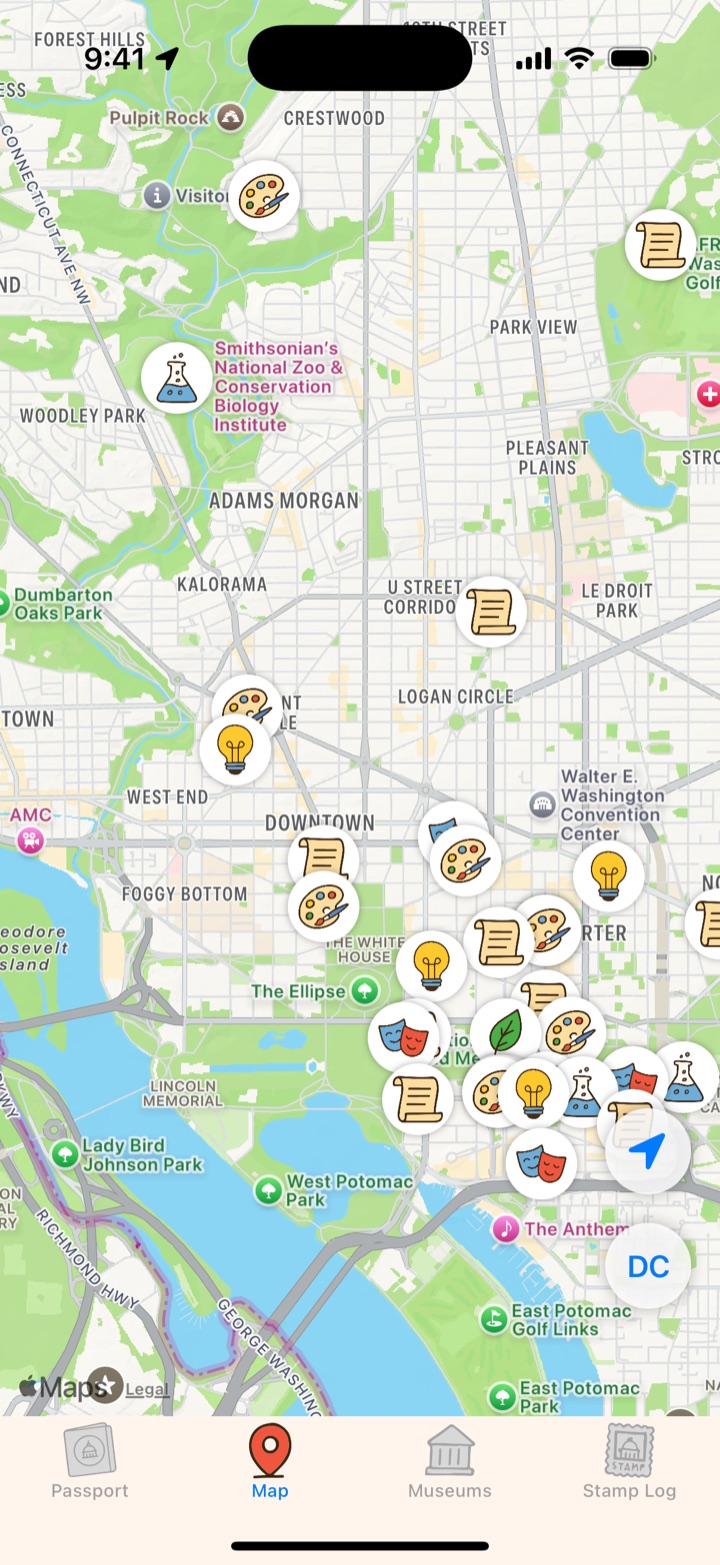
Every museum pinned with its category icon (art, history, science, nature, culture), so you can plan a route along the Mall.
Museums
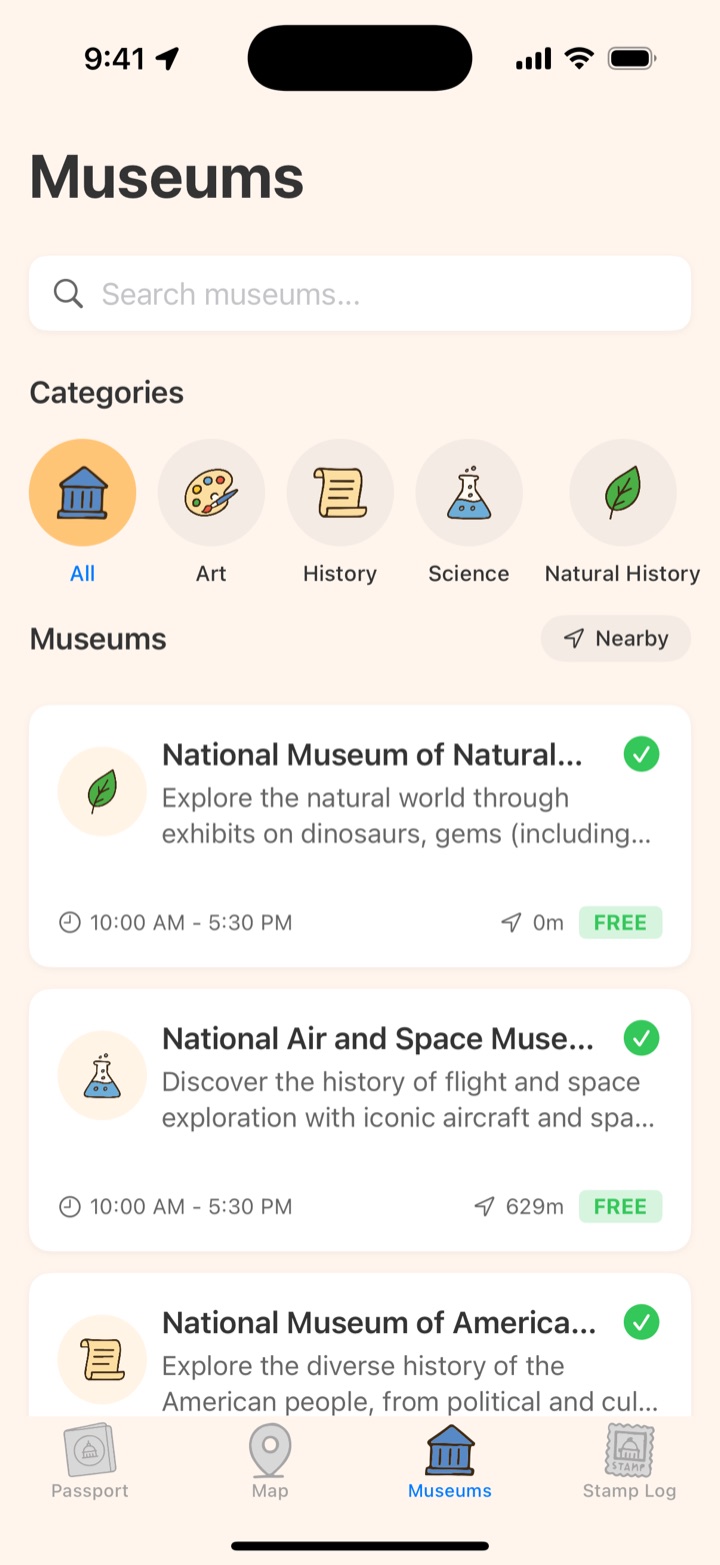
Search, category filters and a Nearby toggle. Cards show hours, distance and whether entry is free.
Stamp Log
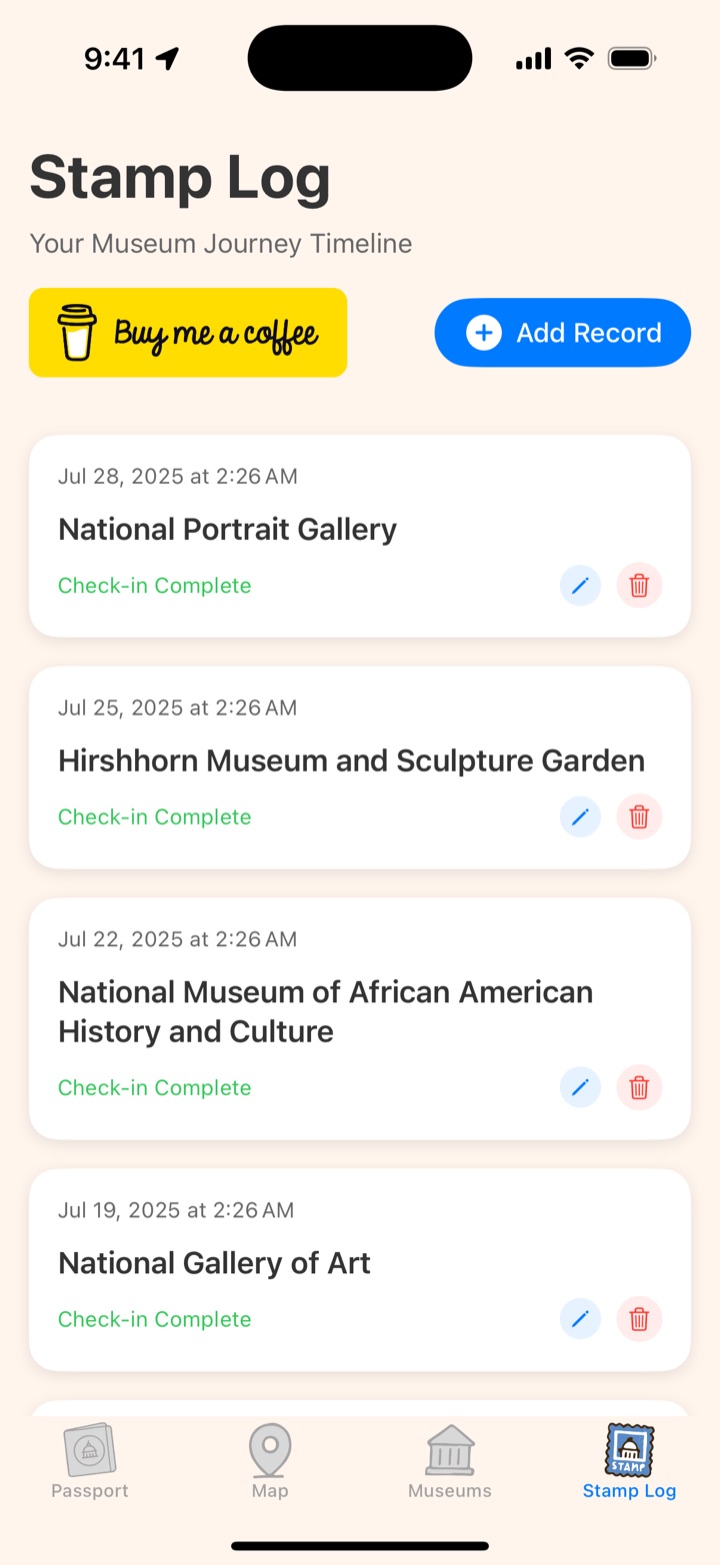
A timeline of every visit. Records can be added manually, edited or deleted — for the days GPS doesn't cooperate.
A stamp for every museum
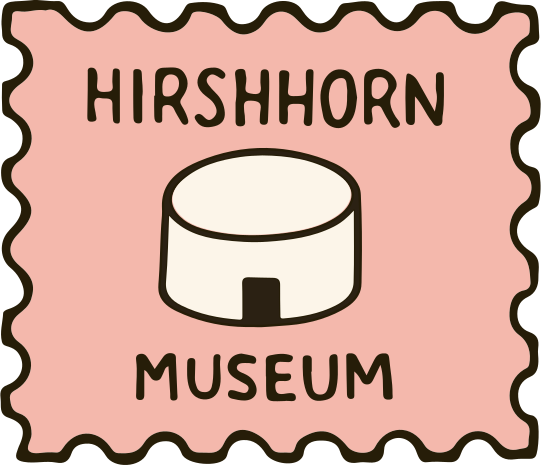
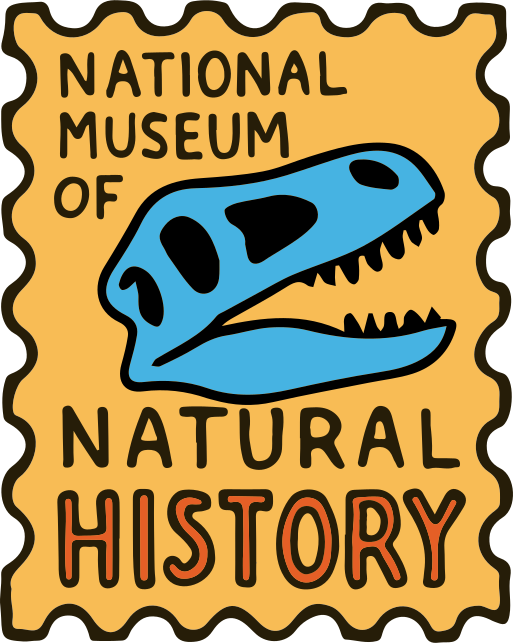
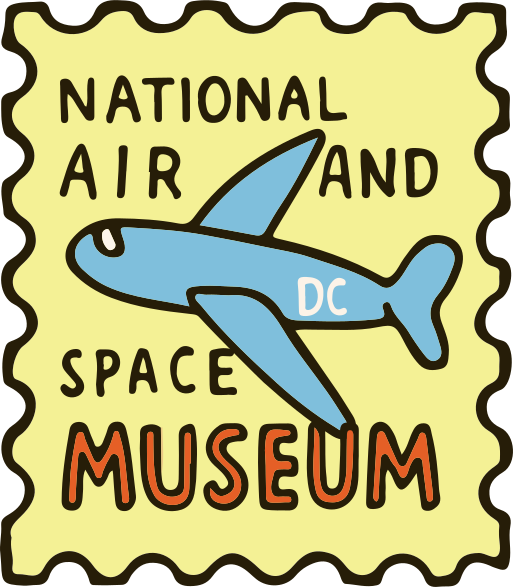
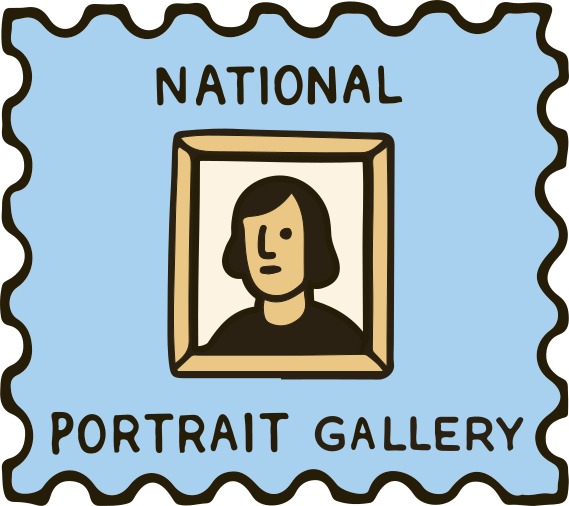
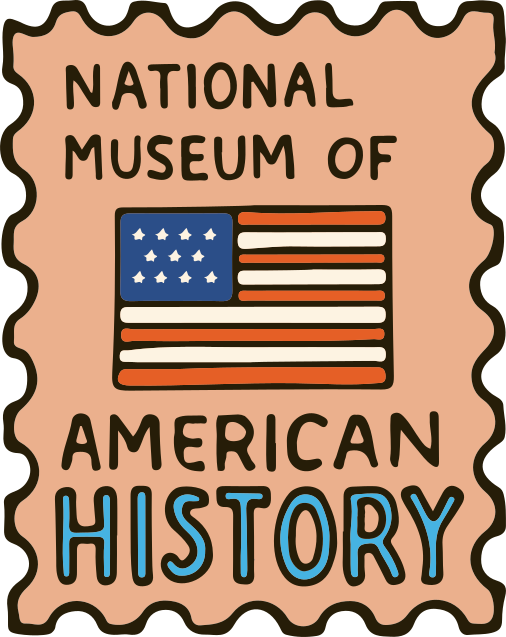
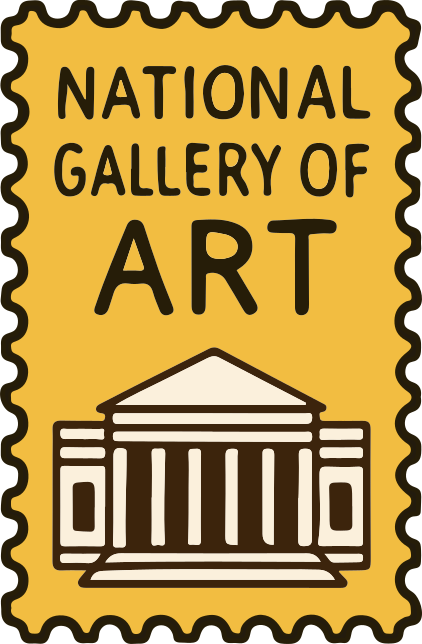
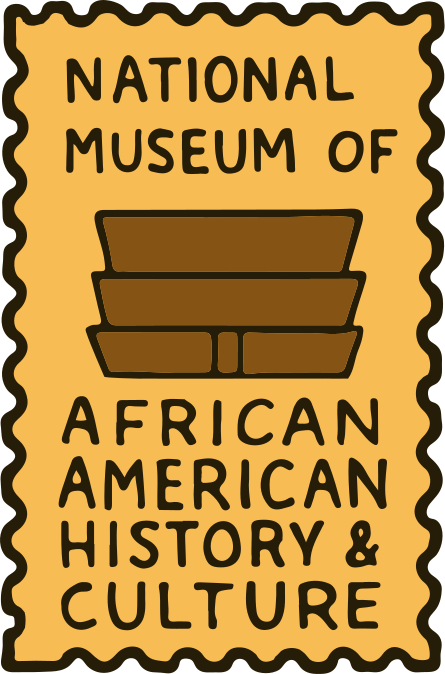
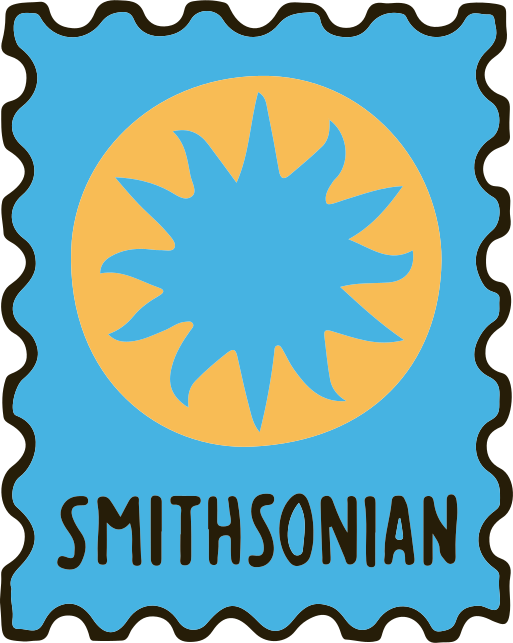
The stamps are the reward, so I drew each one by hand: a perforated frame, a single bold symbol for the museum — a dinosaur skull, a plane, a portrait — and its name in hand-lettered type. Flat colour and a thick outline keep them readable at thumbnail size and give the set one voice.
Brand
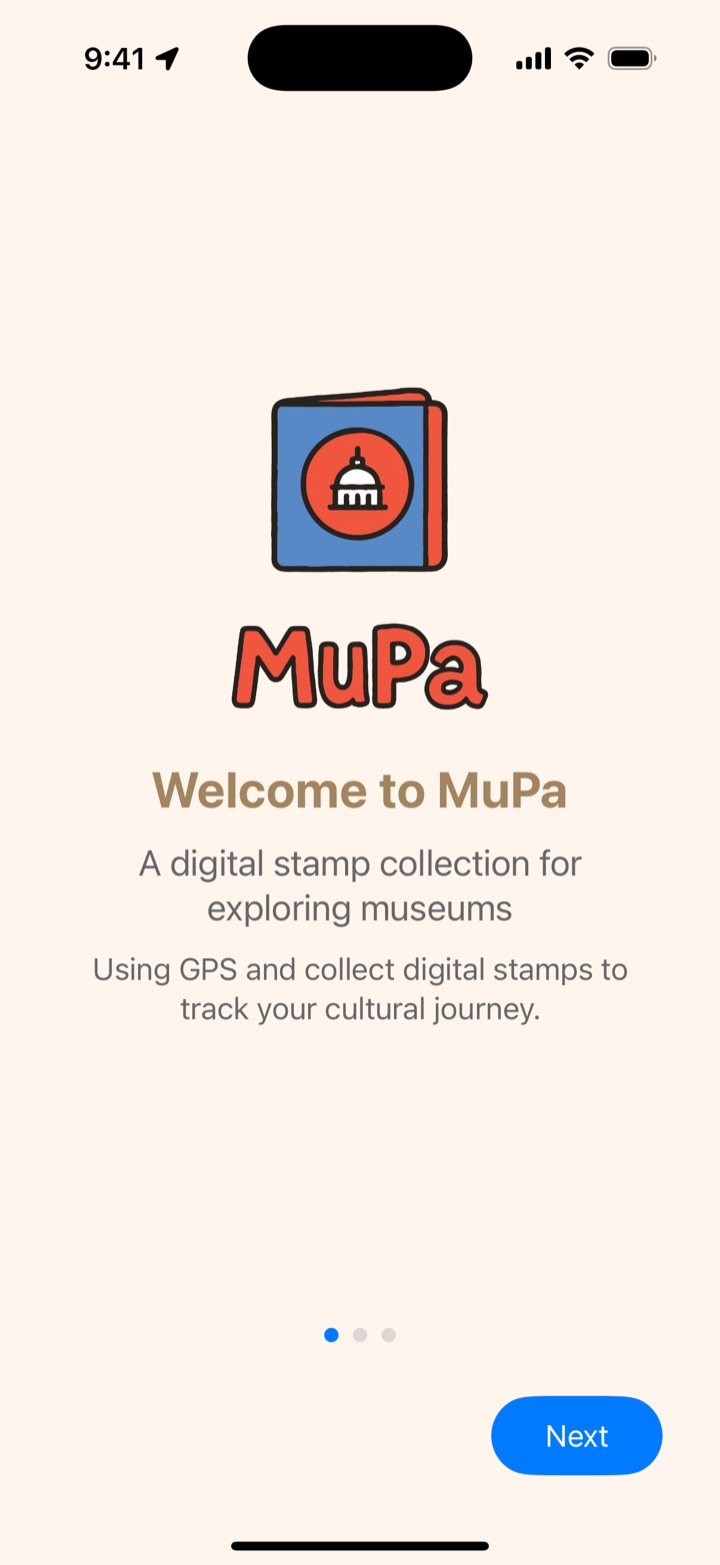
The same hand-drawn line carries into the logo — a passport with a Capitol dome — the category icons and the tab bar, on a warm cream background instead of plain white.
Designed and built end to end
I built the app myself in SwiftUI, which let me tune the details directly in code: the check-in only unlocks within 100 metres of a museum (Core Location), the map uses MapKit with custom pins, and all visits are stored locally on the device.
v1.0 → v1.0.3
Added more museums, manual records, an expanded museum view and a Google Maps option for directions.
v1.0.4
Fixed duplicate visits and added editing and deleting records.
Outcome
MuPa is live on the App Store as a free iPhone app, rated 5.0 by its first reviewers. Next on the list: photos on each visit, sharing a finished passport, and seasonal stamps for special exhibitions.